DeepSeek Harness Just Got a Desktop App — Before Any Official Announcement
By the Machine Intelligence Editorial Team
DeepSeek didn't post a single announcement. Yet over the past day, download links for a desktop version of DeepSeek Harness have been circulating across social media. We clicked the links, downloaded the installer, and ran it — and it does work.

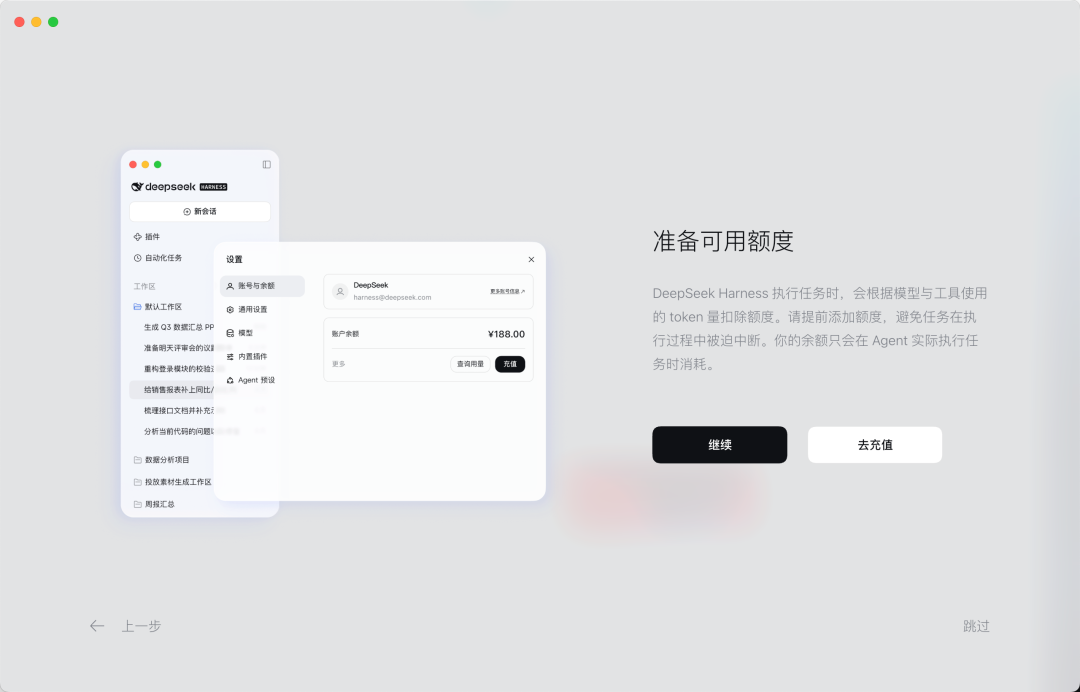
Judging by the interface, this is already a fairly complete GUI. You open the app, sign in with your DeepSeek account or add an API Key, pick a local folder as your workspace, and then assign tasks to an Agent exactly as you would with any mainstream desktop AI application.
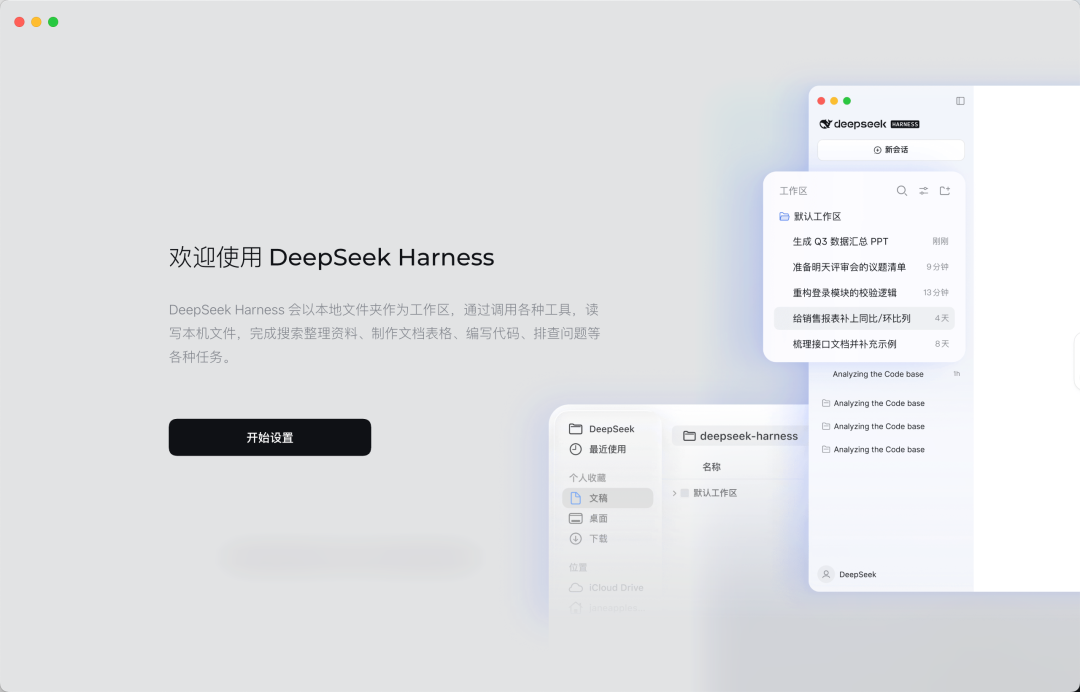
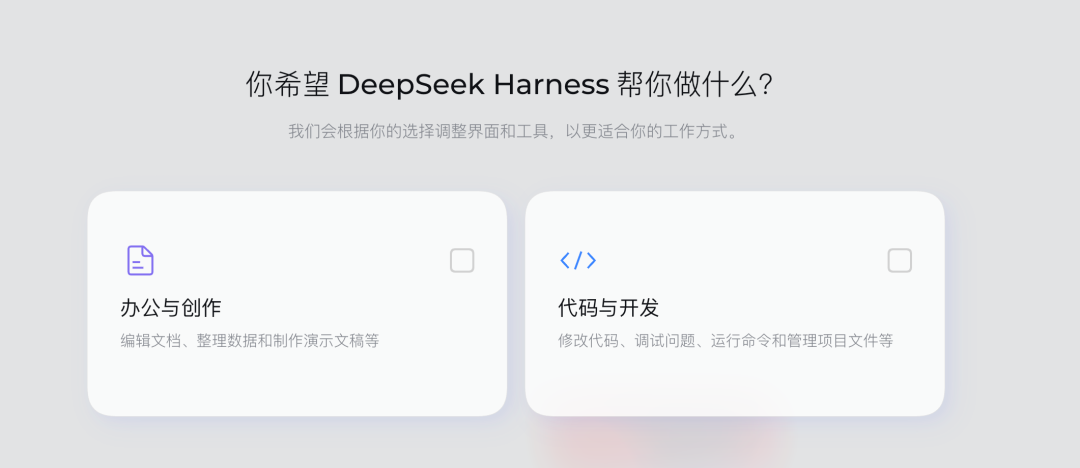
During setup, Harness walks you through your use case — roughly grouping needs into categories like office/research and software development — and then asks which kind of workflow you prefer.
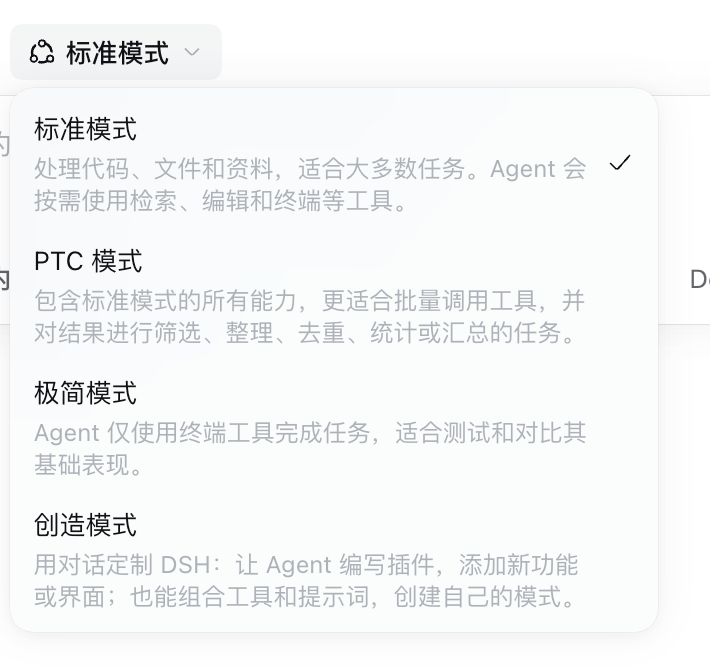
DeepSeek also prepares several "working modes" for the Agent: Standard, PTC, Minimalist, and Creative.
Standard mode fits most tasks and is probably the easiest to understand for everyday users.
PTC is a bit more technical. The model first writes a small program, then uses that program to organize and invoke tools in batches — ideal for batch processing.
Minimalist is simpler and more direct: the Agent only uses terminal tools to complete tasks. It's closer to a classic coding agent, which feels very natural for developers who live in the command line.
Creative mode lets the Agent write plugins, add new features or interfaces, and combine tools with prompts to create its own modes. This matches the philosophy DeepSeek has emphasized since day one — the official architecture is summed up as "Everything is a Plugin," meaning Harness's capabilities are designed to be composable and extensible.
On the current interface, DeepSeek Harness ships with six official plugins: Agent Team, Voice Input, Terminal, Agent Loop, Subagent, and Web Search. Agent Team and Voice Input are still marked "experimental." The former enables multi-agent collaboration with team tools, a member list, and a shared task board; the latter runs SenseVoice locally to transcribe speech into text — though it needs extra dependencies installed on first use.
The other plugins sit closer to Harness's core capabilities. Terminal invokes the local command line and can cap how long a single command runs and how much it outputs. Agent Loop governs how the Agent calls tools round after round and keeps working on the task. Subagent lets you configure the recursion depth, count, and models of sub-agents — effectively allowing one Agent to spin off several "mini assistants" for subtasks. Web Search configures DeepSeek's own search provider.
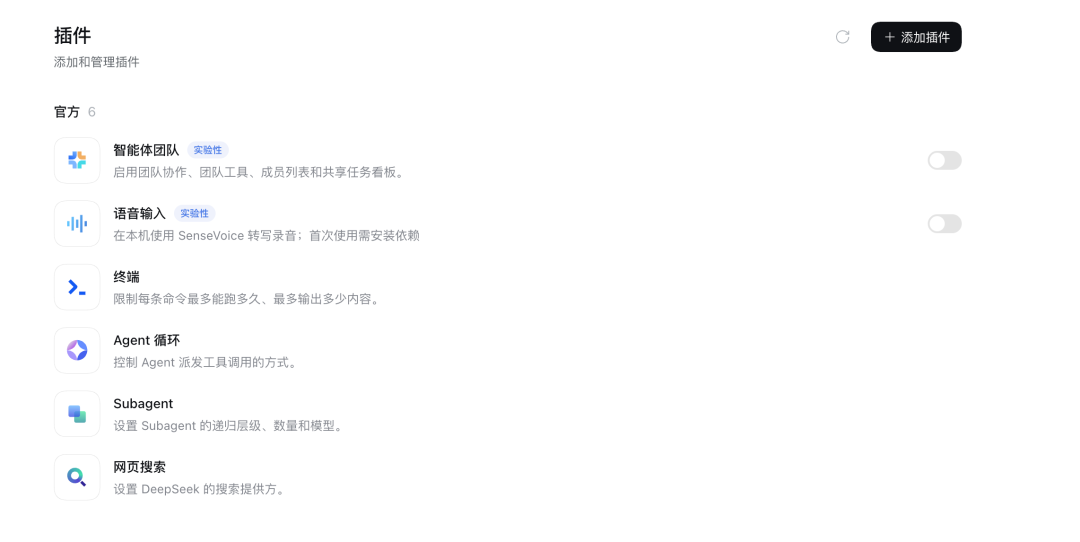
All in all, it now feels a lot like the onboarding of an AI product designed for ordinary people.
Previously, DeepSeek Harness offered only a Web UI, and the officially recommended way to start it was to install Node.js and run a single command in the terminal: npx @deepseek-ai/dsh web. Harness would spin up a local service and open a browser page. For developers, that's not complicated — but for the many people who aren't comfortable with the command line, it always carried a strong "developer tool" vibe. The desktop version lowers the barrier considerably.
That said, the hottest debate under these posts is: is this even official?
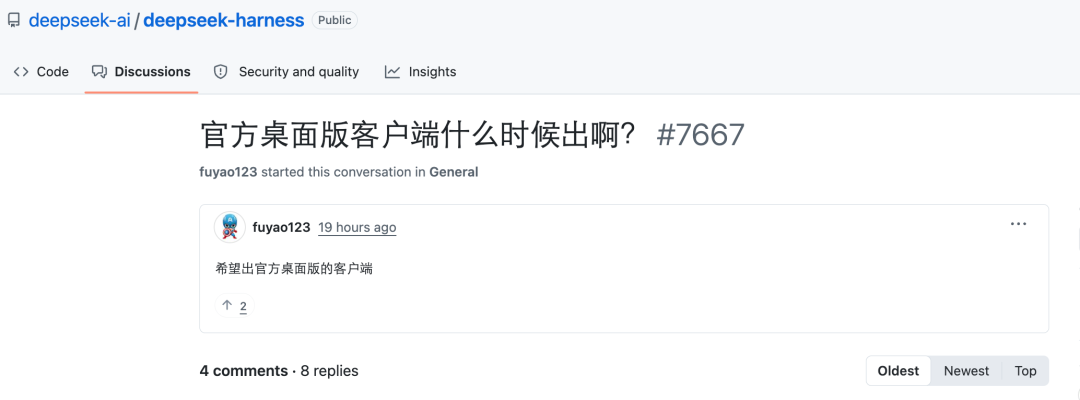
We found a discussion thread on GitHub asking exactly when DeepSeek's "official desktop client" would ship.
A user named "overFloweee" replied that the artifacts already exist — they just haven't been announced. He checked the download sources, version numbers, installers, signatures, and the official site in detail. The most telling detail: the app is signed with an Apple Developer certificate under DeepSeek's corporate entity and has passed Apple's notarization. The signing identity, Hangzhou DeepSeek Artificial Intelligence Co., Ltd, points directly back to DeepSeek.
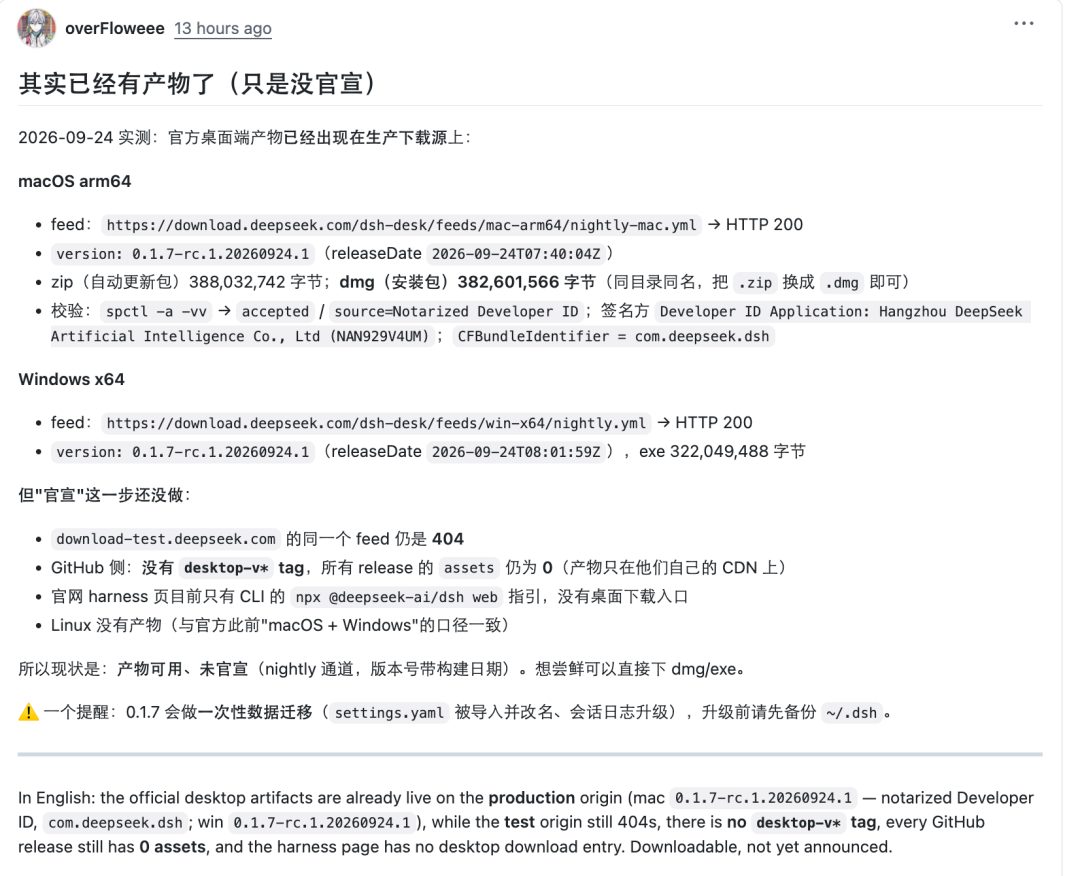
But he also pointed out that DeepSeek hasn't formally announced it. This build ships through the nightly channel — more like a candidate build that has already entered the official production distribution pipeline, not the same as "the official stable version has been released."
So a lot of the features described above may still be immature.
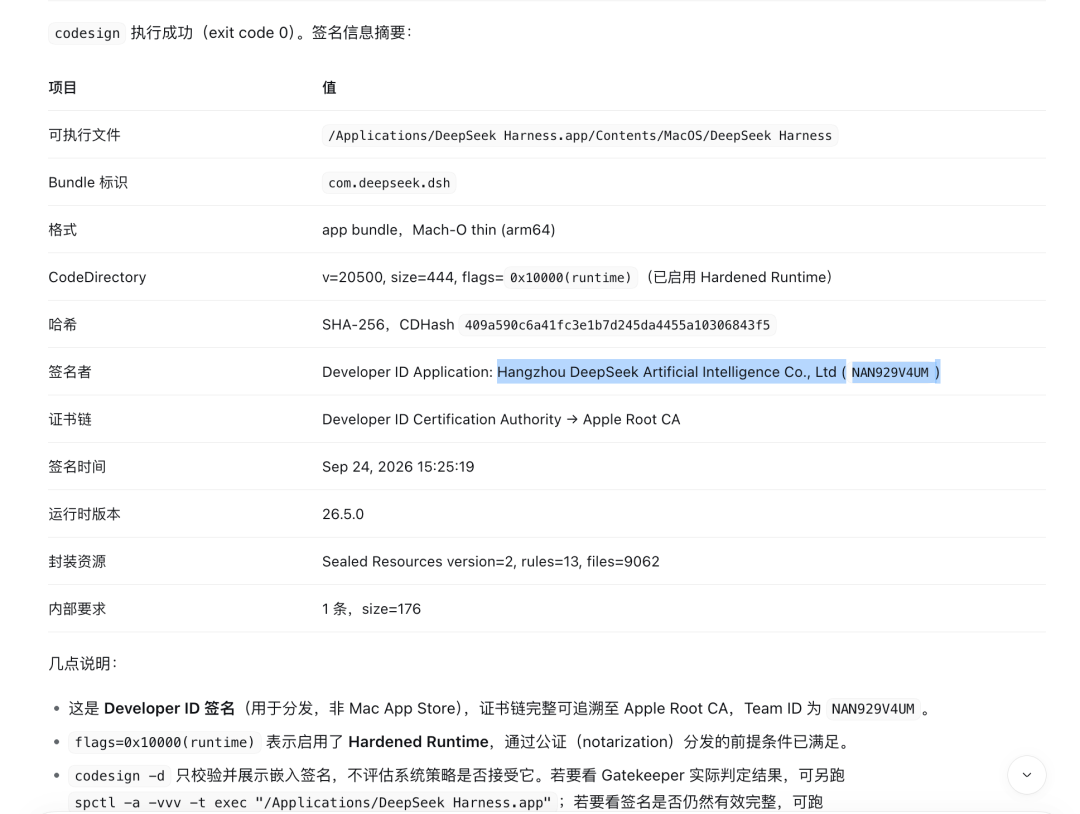
We also ran some commands inside the client to verify the key details the user mentioned. The codesign output confirms the Developer ID signature (Hangzhou DeepSeek Artificial Intelligence Co., Ltd, Team ID NAN929V4UM) and the bundle ID com.deepseek.dsh.
Early community impressions are already coming in.
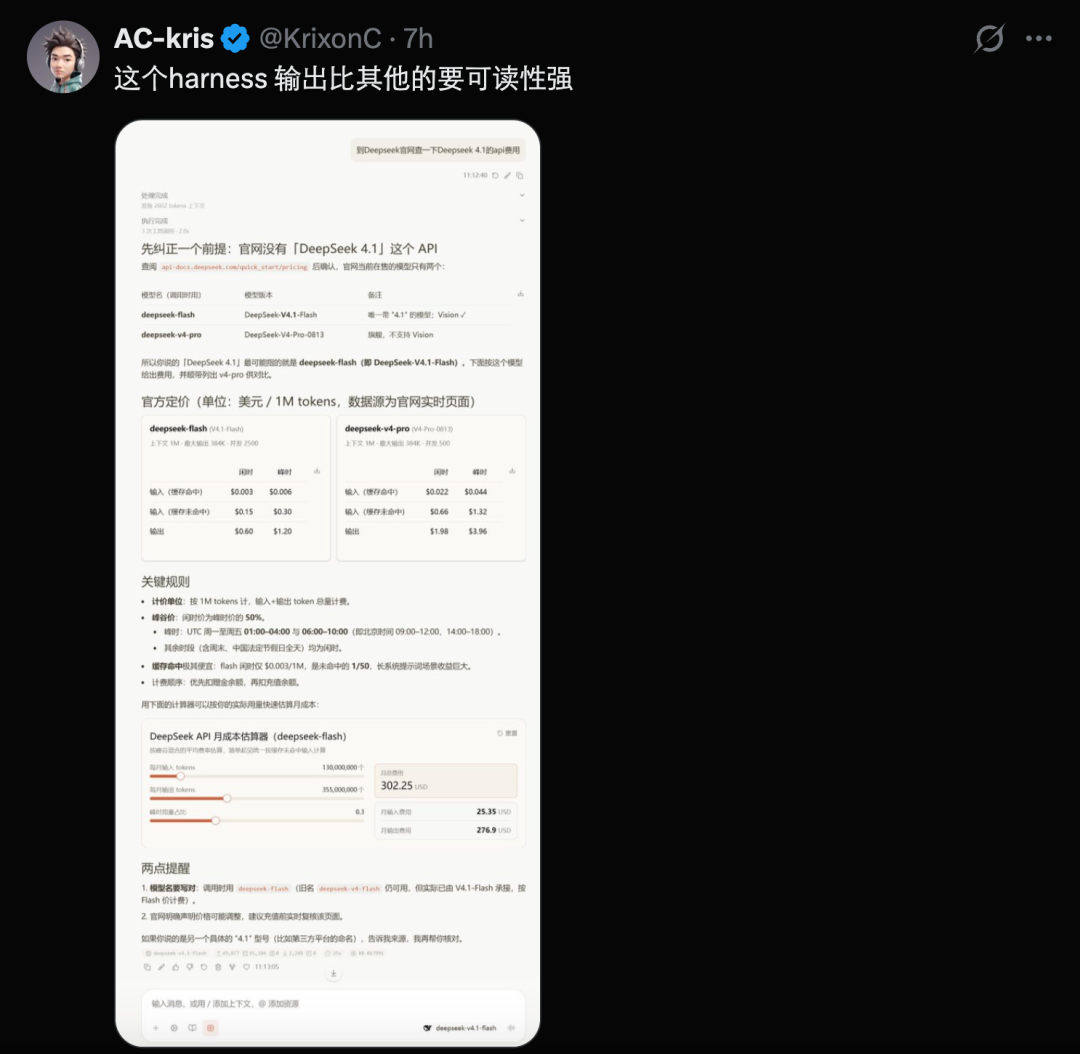
Funny enough, right after we installed it from the community-shared address, the client already prompted that a new version was available. The team behind it is clearly iterating at full speed.
One caveat: the client doesn't support Linux yet — so a world in which only Linux users get hurt has formed.

If you're trying the new desktop client too, feel free to share your experience in the comments.
- Babies Age Too — and Monthly Cash Payments Seemed to Slow It Down
- Why Gout Is Surging in Young Men — and Its Link to Erectile Dysfunction
- Why a Batch of Black Sesame Paste Tested 27× the Mold Limit
- Why Are Beijing's Trees Suddenly Full of Fuzzy Caterpillars?
- DeepSeek Harness Desktop Preview Goes Live — Mac and Windows Downloads Available Now
- DeepSeek Harness Just Got a Desktop App — Before Any Official Announcement
- 双十一流量来了,智通SDK也更新了!
- After I Died, He Married My Face
- Palmbox Version 1.4.4 Released for a Better Browsing Experience
- Palmbox 1.4.4版本正式發布,帶來更流暢的追劇體驗

全部评论